Reserve a Shinkansen
Book Shinkansen tickets while checking official sites, counters, and pickup rules.
shinkansenreservationticket
Overview
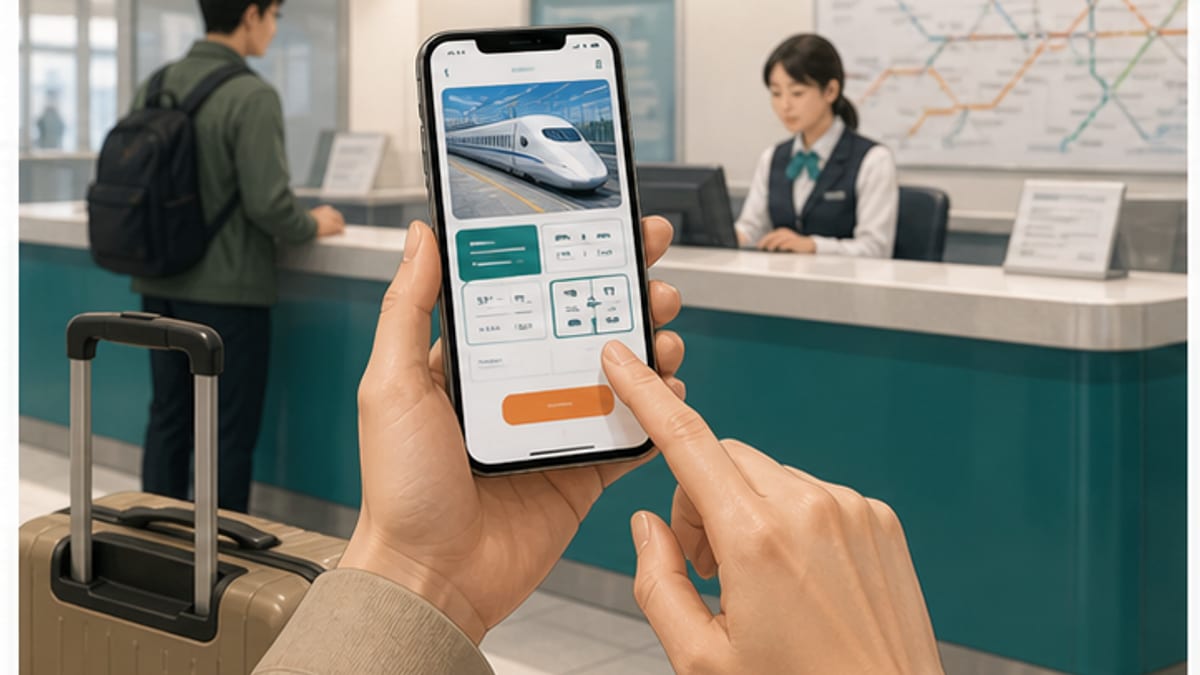
Reserve a Shinkansen starts with checking your departure, arrival, date, time, and seat type. Confirm how to receive or display the ticket after booking. To avoid stress at the station, save screenshots of the train name, car number, seat, departure time, and pickup method.
Do this first
- If you travel today, consider station counters or reserved-seat machines as well as online booking
- If using a rail pass or discount, check conditions before paying
- Decide destination and travel date
- Use an official booking site or station counter
- Check ticket pickup and change rules
What you need
- Travel schedule
- Payment method
- Passport or booking name
- QR code or reservation number
Steps
- If you have a JR Pass or regional pass, confirm whether booking or extra fees differ from normal tickets
- Search routes and times on an official site
- Choose non-reserved, reserved, or Green Car seats
- Save ticket pickup instructions after payment
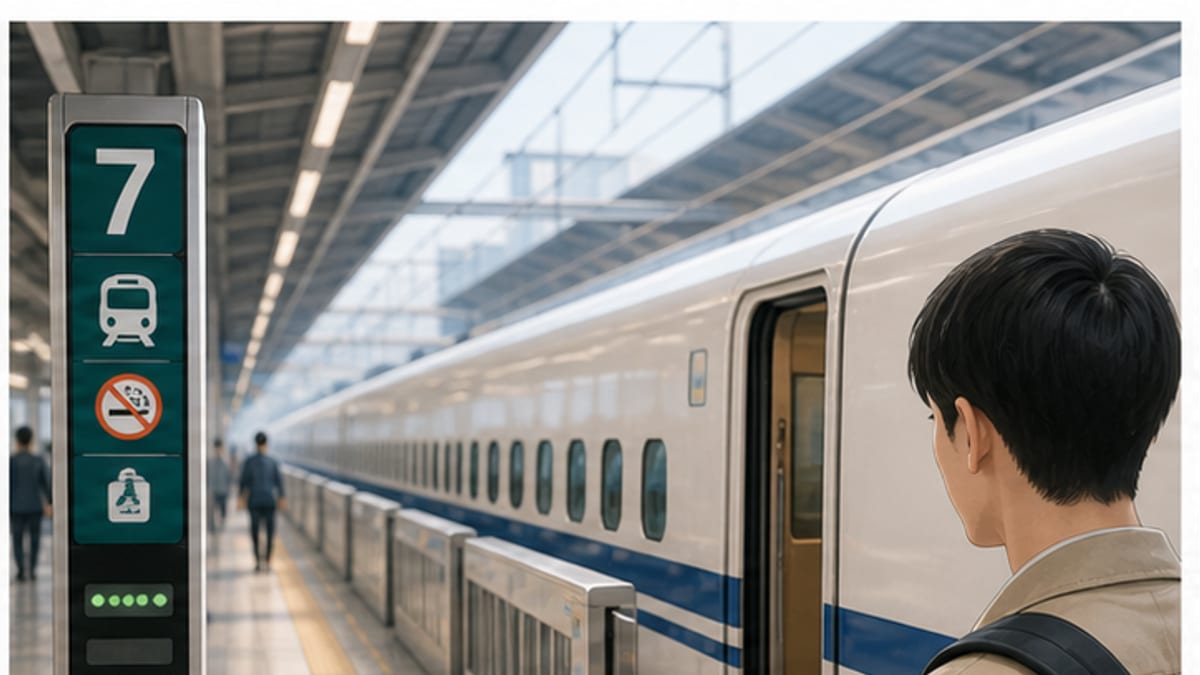
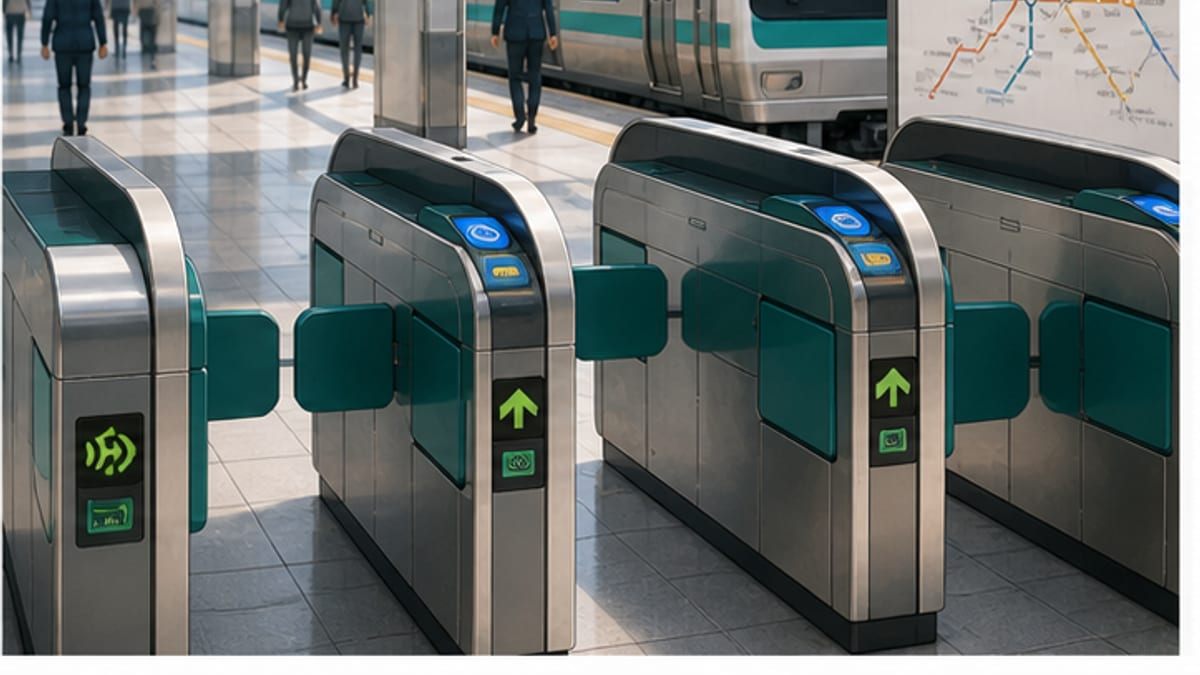
- At the station, re-check the ticket and train before the gate
- Check whether pickup is QR code, paper ticket, or ticket machine issuance
- If base fare and express tickets are separate, keep both together
Cautions
- Book early during busy seasons
- Booking sites differ by JR company and route
- Check pass and discount conditions on official sites
- Do not rely only on route apps; confirm final departure time and platform on station displays
- Steps may differ by area or timing. For important decisions, confirm with official sources and local staff.
Useful Japanese phrases
Station or facility
すみません、どこに行けばいいですか。
Sumimasen, doko ni ikeba ii desu ka.
Excuse me, where should I go?